Screens
One list of the places you save, one tall screen for each, and a map to find more. No tabs.
These are screenshots of the beta on an iPhone 17, taken by a script from the app itself around Vancouver, with Honolulu and Sydney for other time zones. Tap any picture to see it big; the arrow keys page through the section.
The list
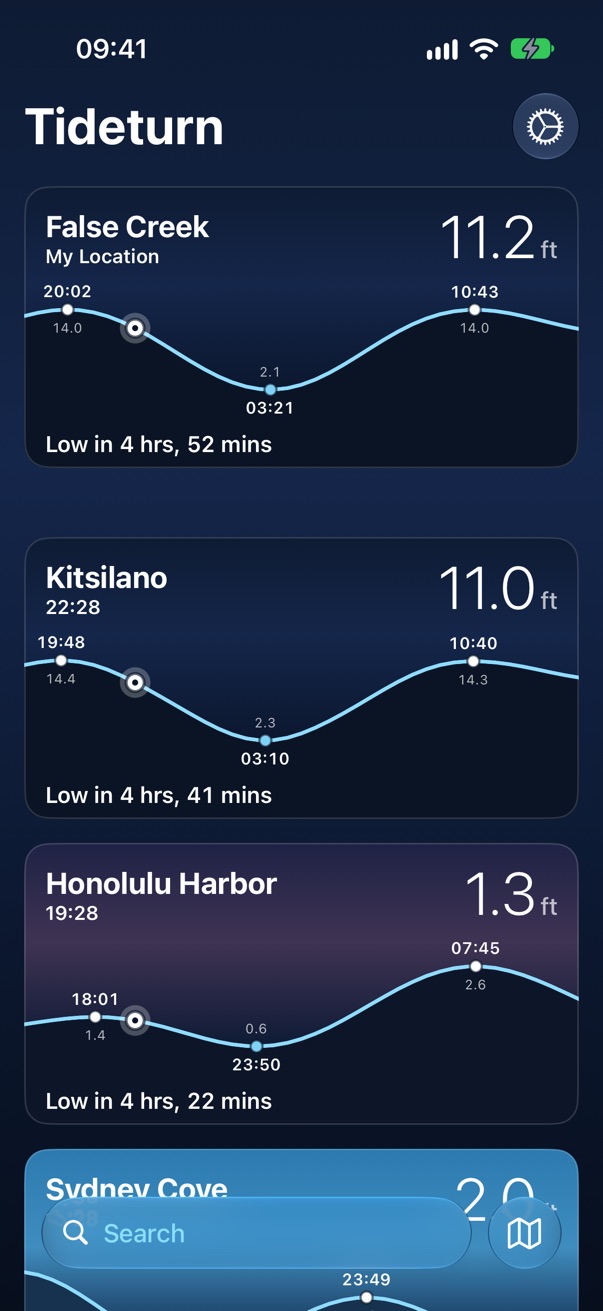
The home screen. The nearest station comes first, captioned My Location, then your favorites in your order. Each card is its station's own sky at its own time, so Honolulu at dusk and Sydney at midday sit on one screen.
The card
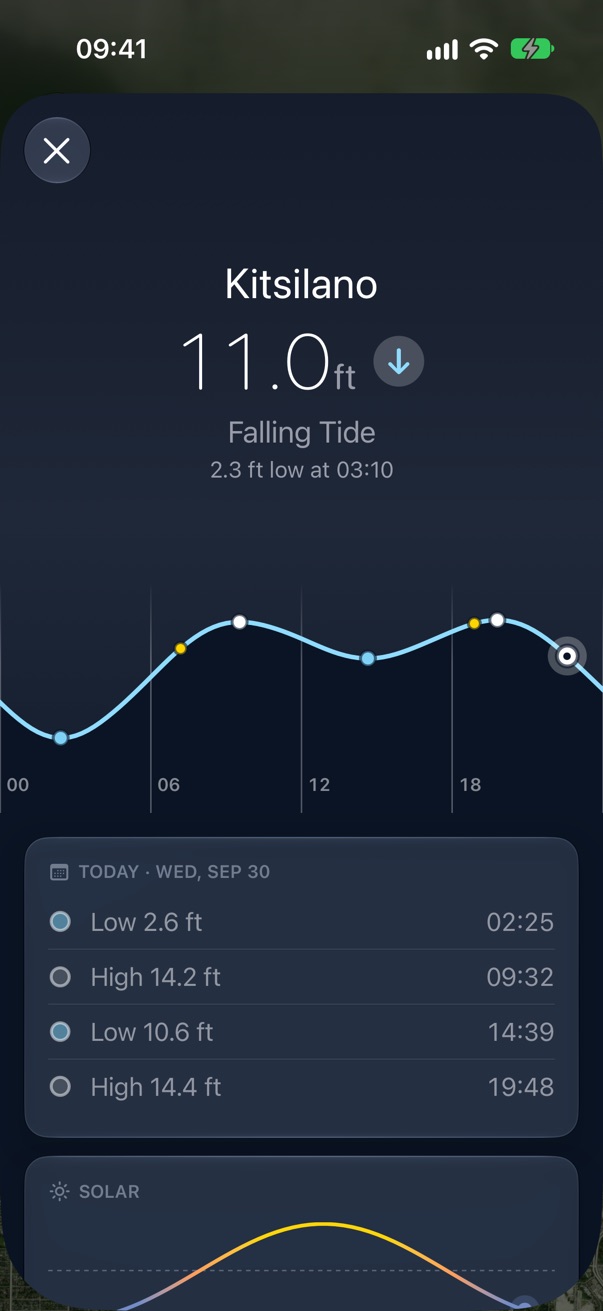
Name over the station's clock, the height now, the curve around now with the highs and lows labelled, and the bead where the water is. Along the bottom, the next turn counts down by the second.
Offline
Tides already downloaded keep showing, with a wifi.slash beside the name. A card with
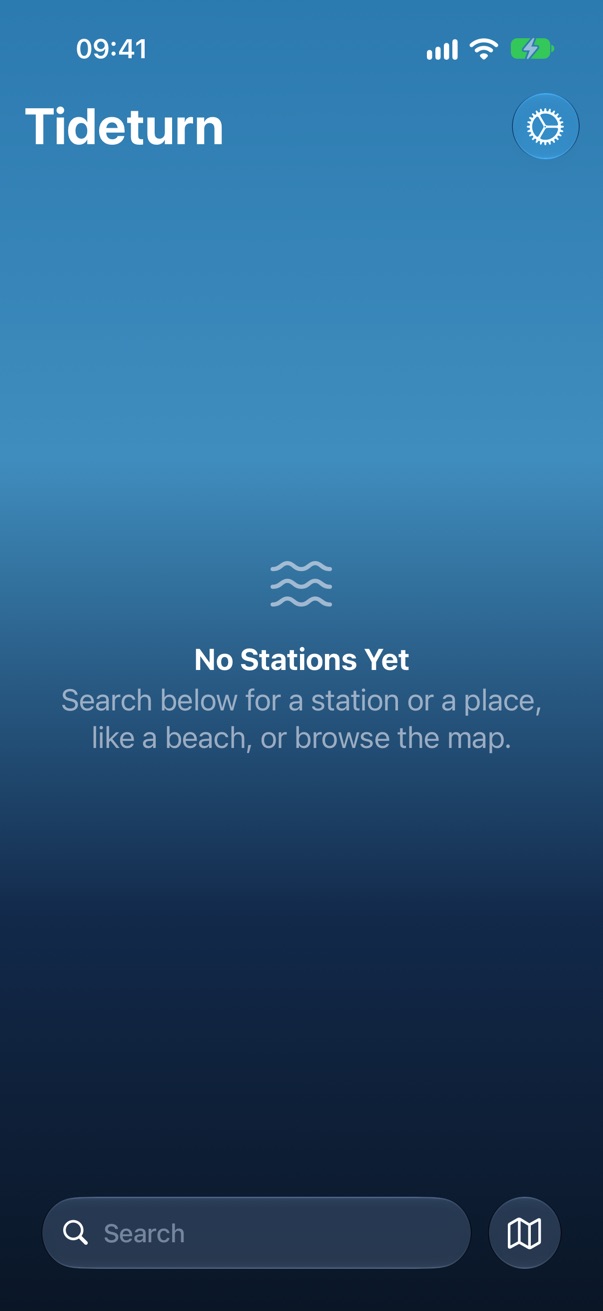
nothing saved says why instead of showing a number.
Pull to refresh
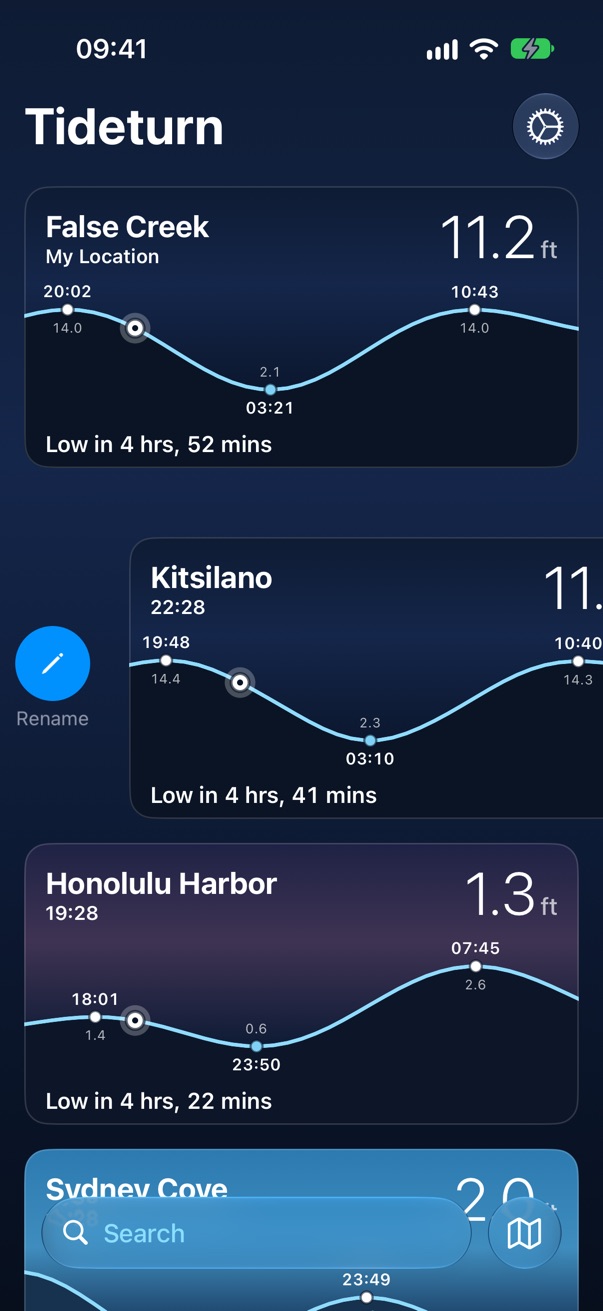
Refreshes every station. Drag to reorder; the nearest station can't be moved because it isn't yours, it's where you are.
Search
One search box at the bottom, for places and tide stations together. Places come first, because people search for where they're going, and almost never for a gauge's name. Both searches run on the phone.
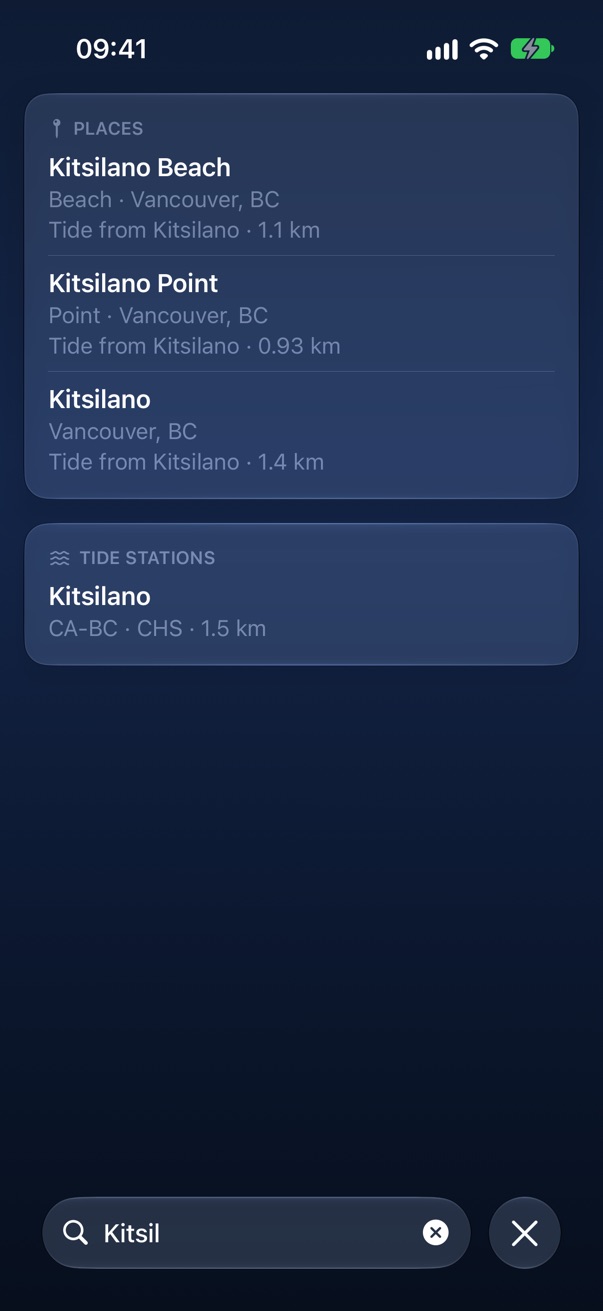
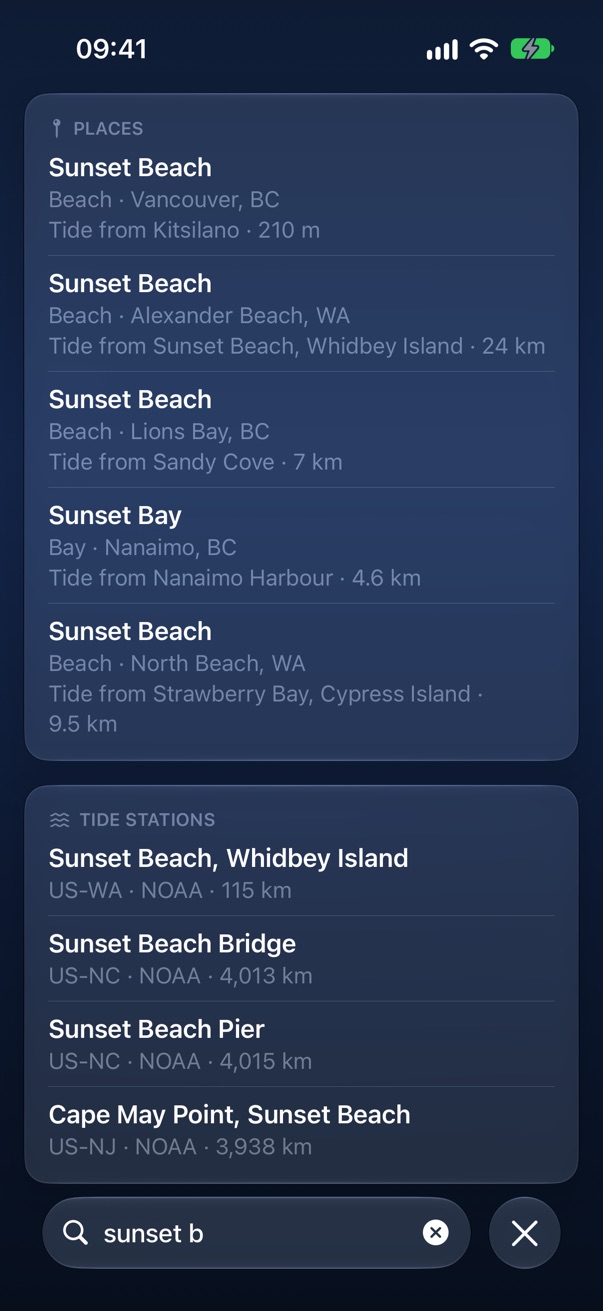
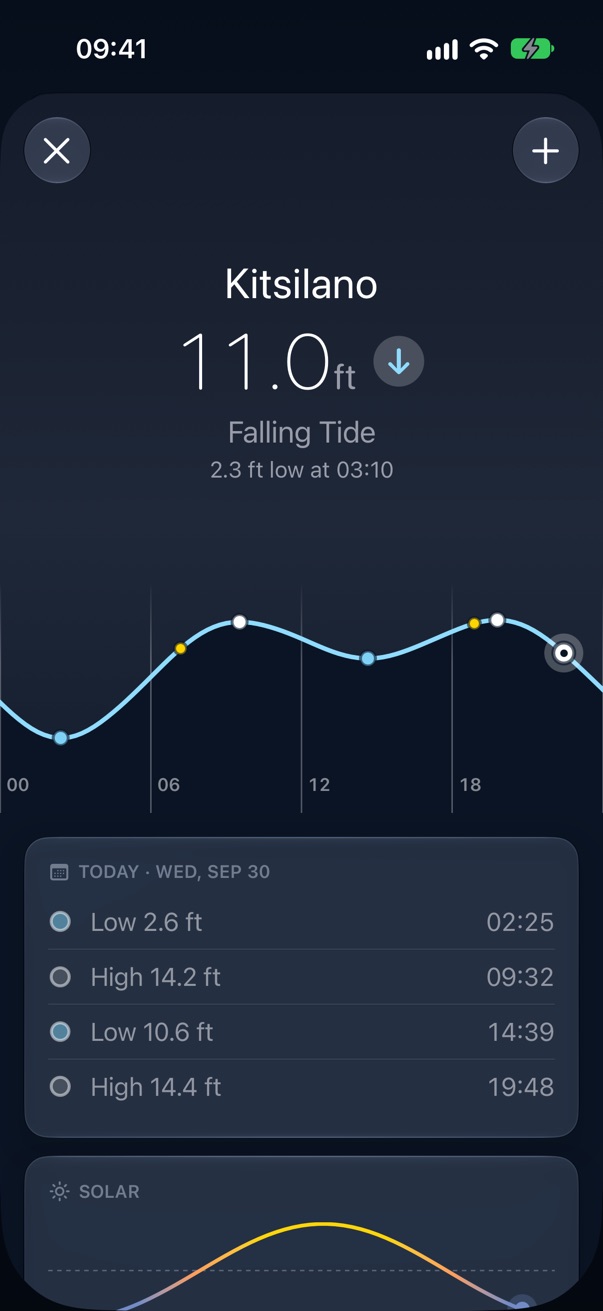
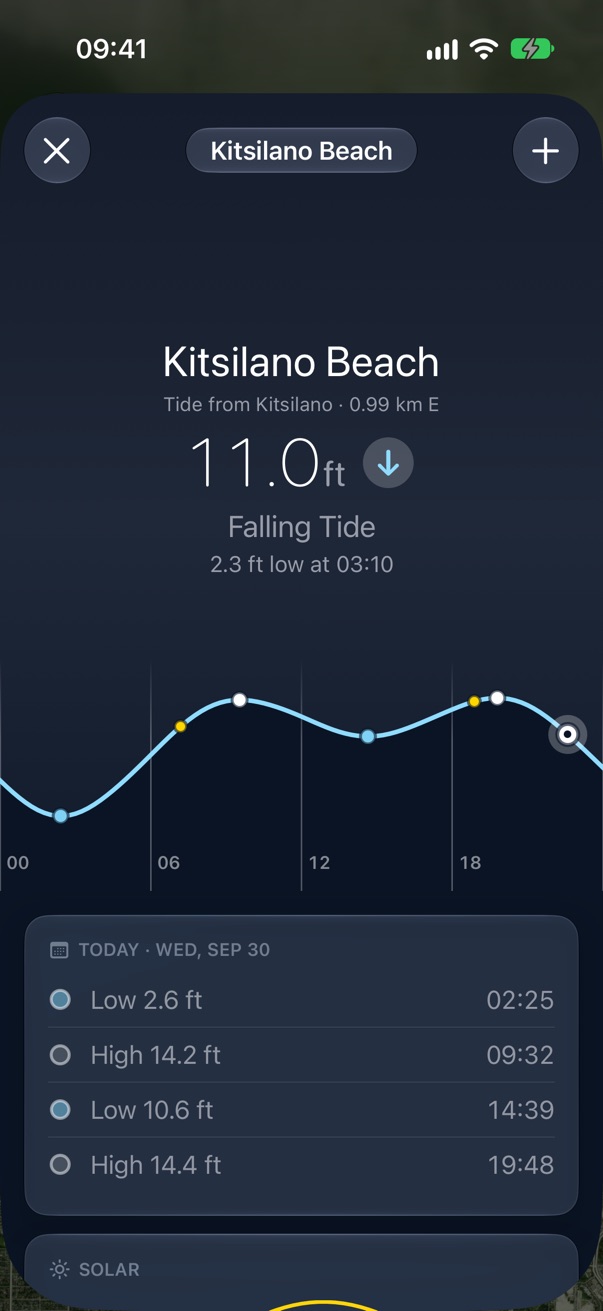
A result opens a preview with the real tide, and the plus saves it. A place borrows its tide from the nearest station within 25 km and says which on every row: "Tide from Kitsilano · 210 m".
A station
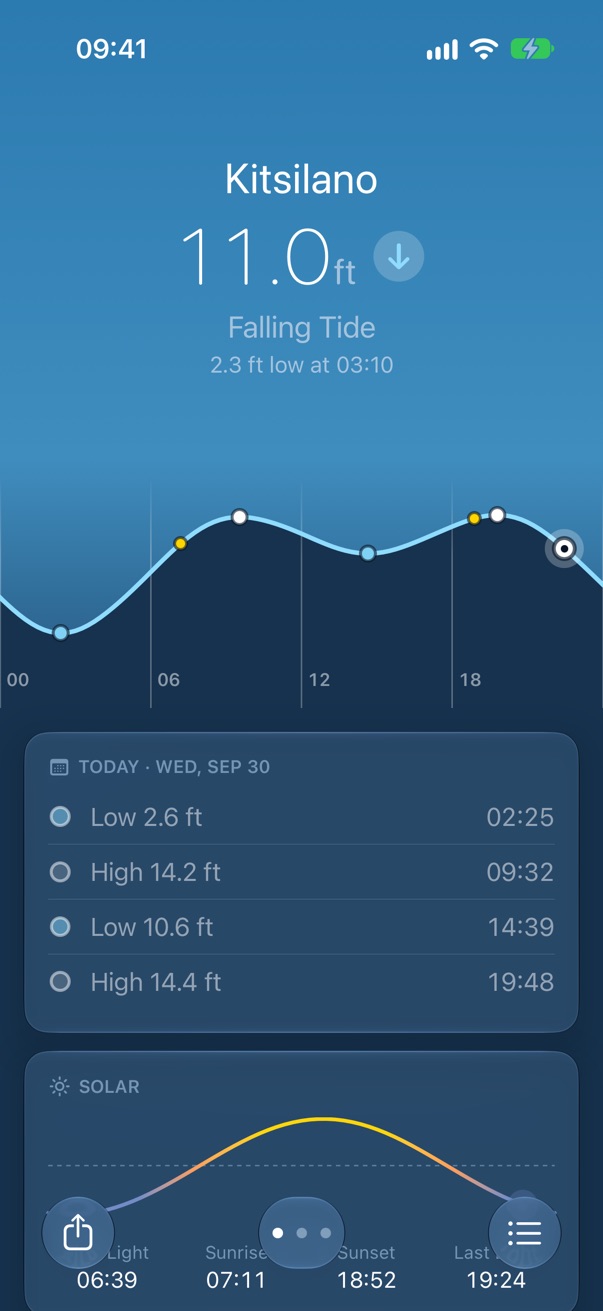
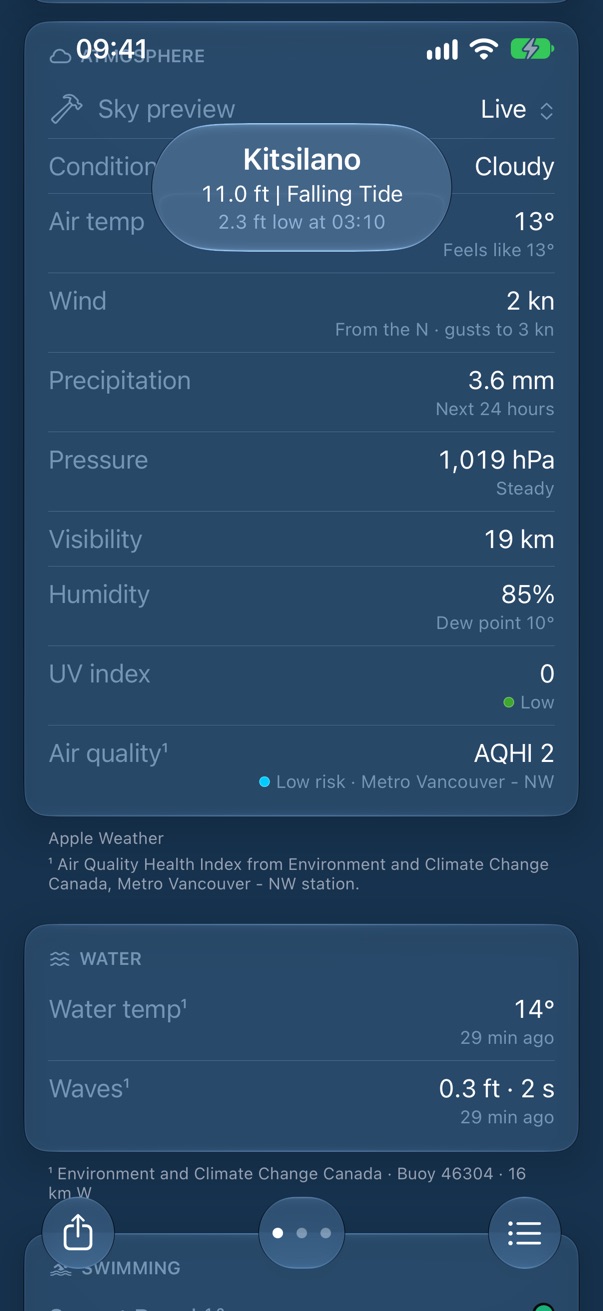
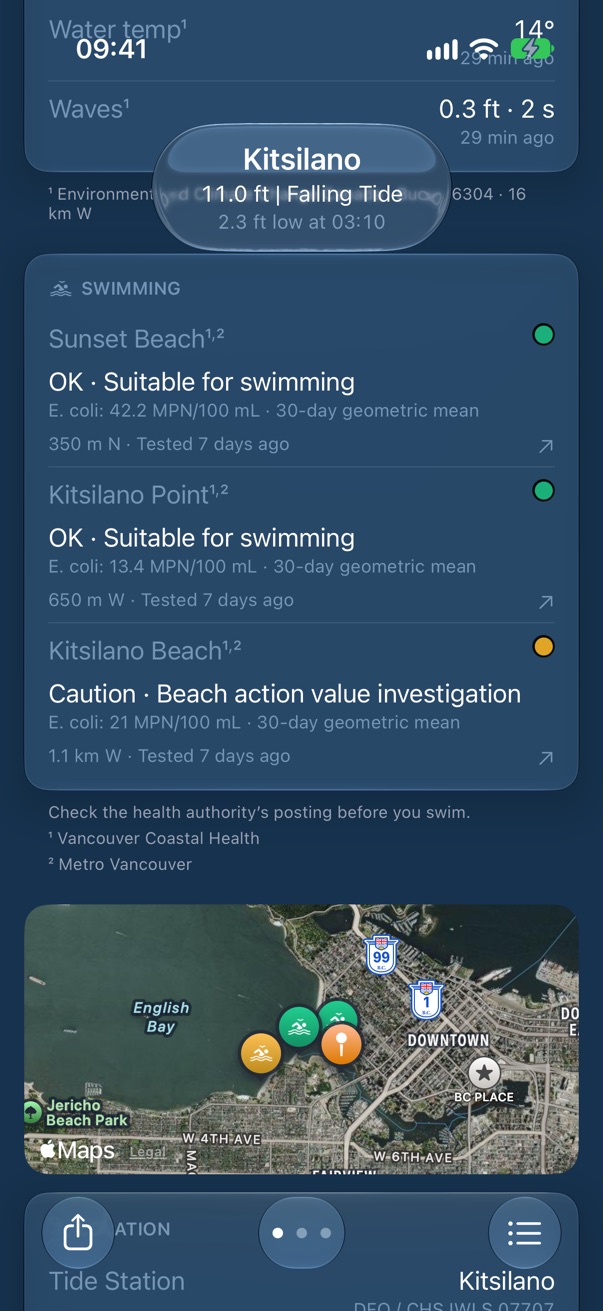
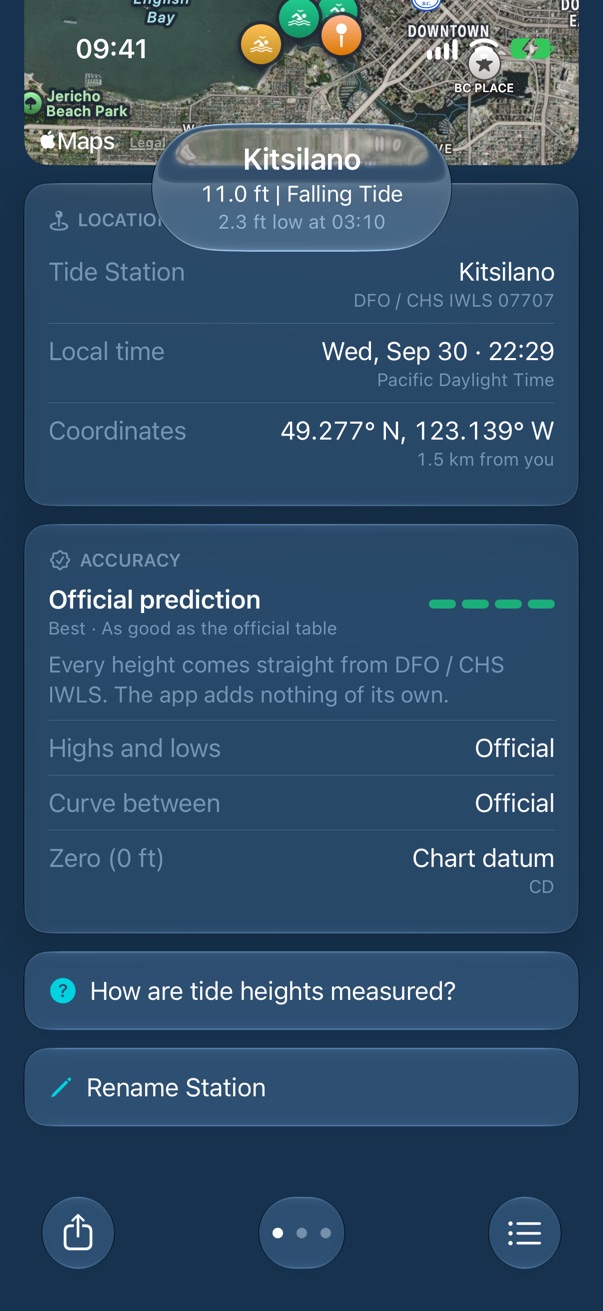
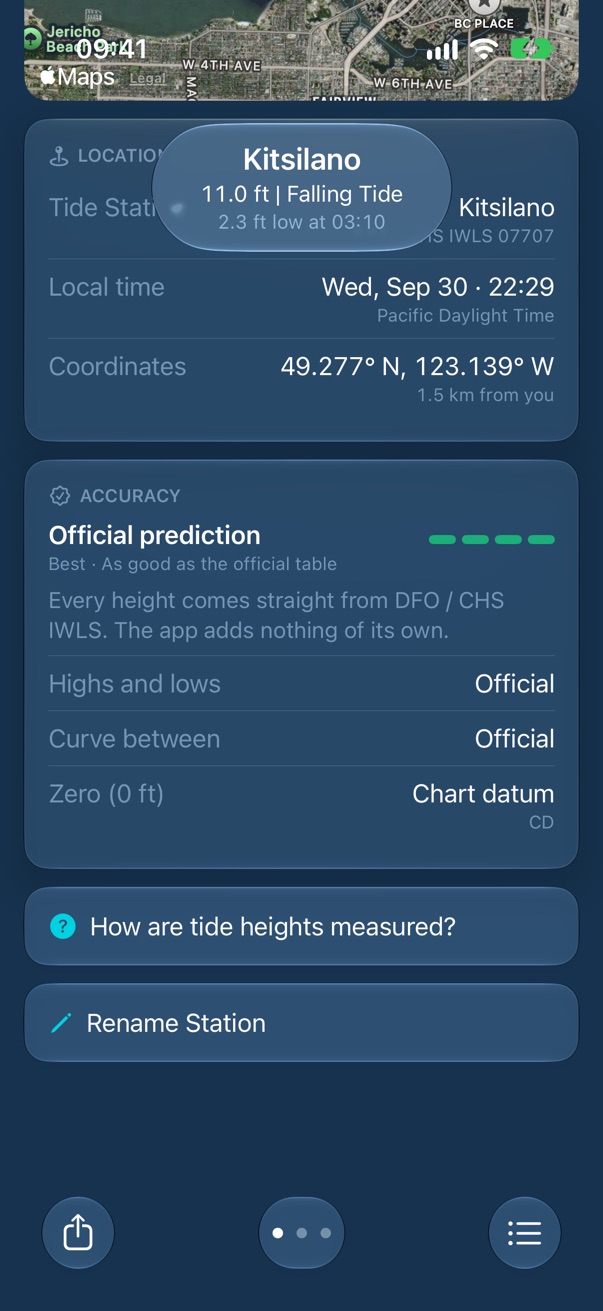
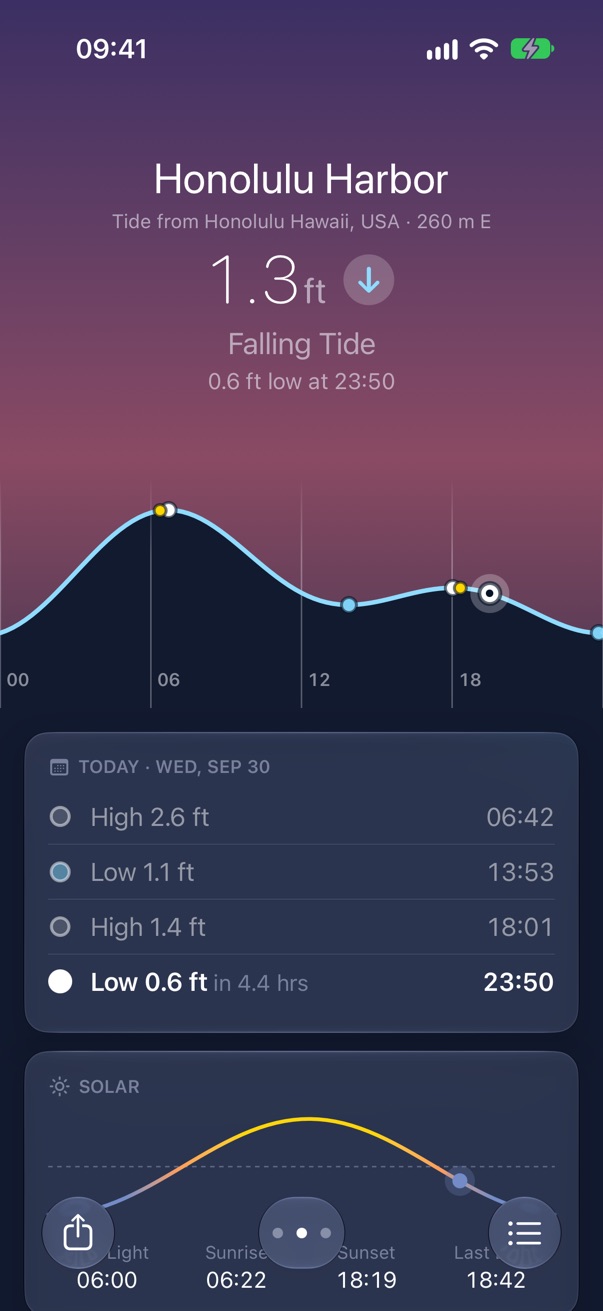
One tall screen per place, and you swipe between them. The top always describes now; everything under it scrolls.
The curve
Drag sideways to page through about twelve days. Touch and hold, then drag, to read the height at any time; a tick tells you it has caught. Highs and lows are dots, sunrise and sunset are yellow.
The day
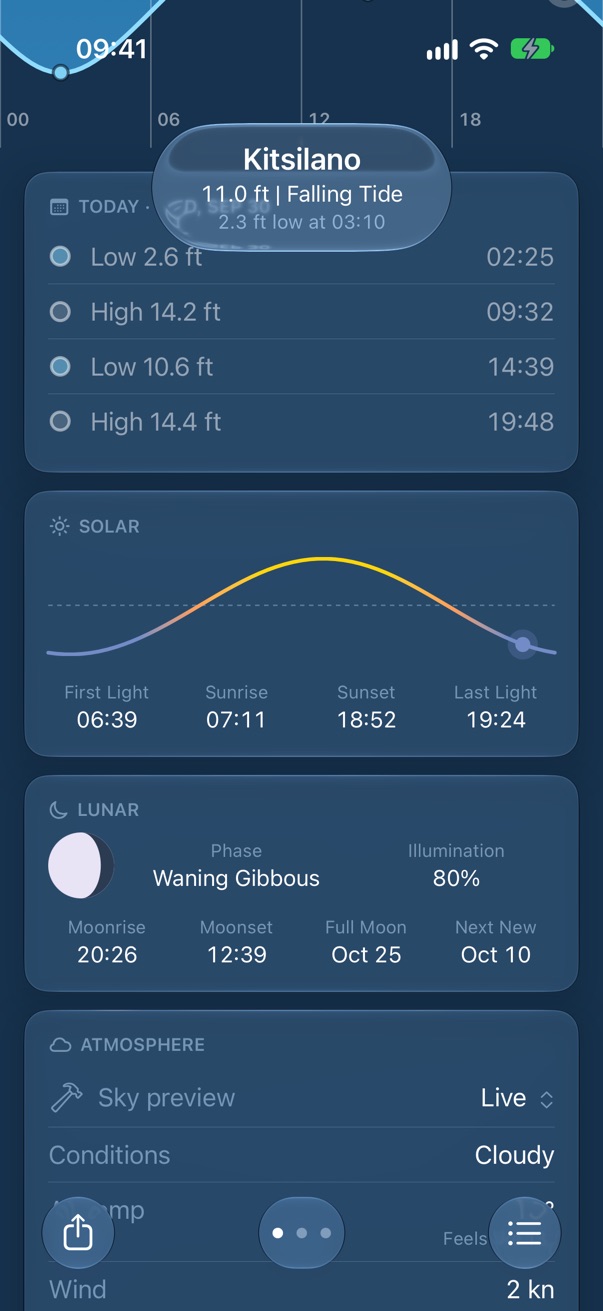
The tide table, Solar and Lunar follow the day on the curve. Past turns are dim; the next is bold with how long until it.
Now
Atmosphere, Water and Swimming are about now whatever day you page to, and only appear when a source answered. Small print under each card says whose numbers they are.
The map
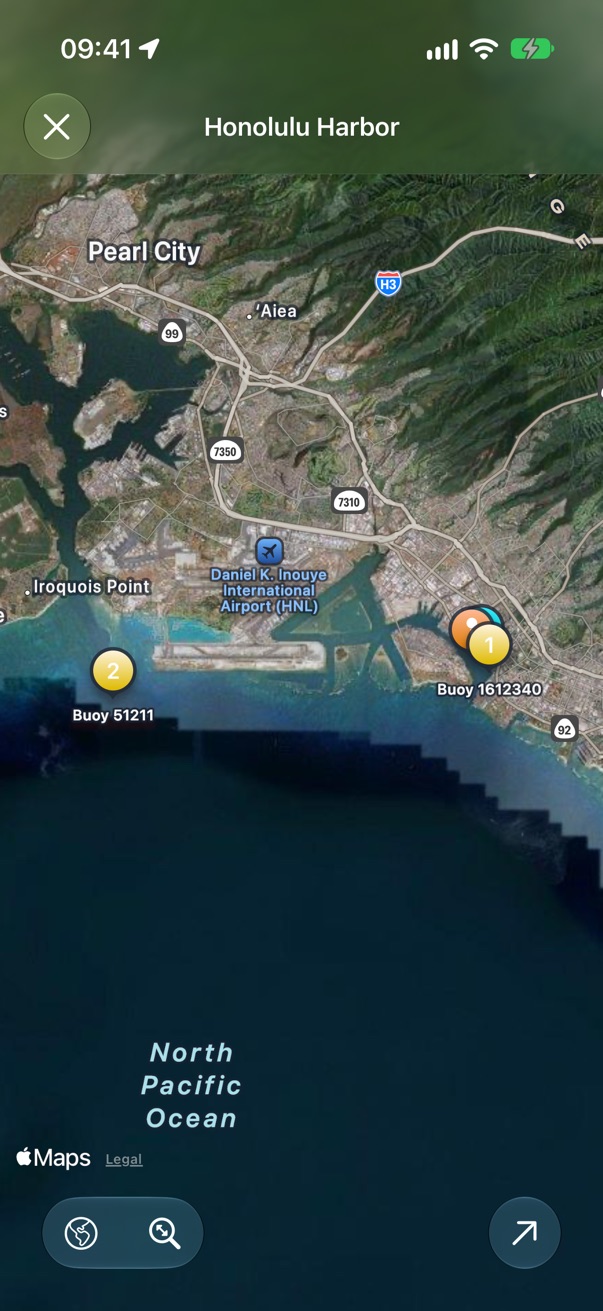
The station, its buoys numbered as in Water, and its beaches. Tap for the full map.
Trust
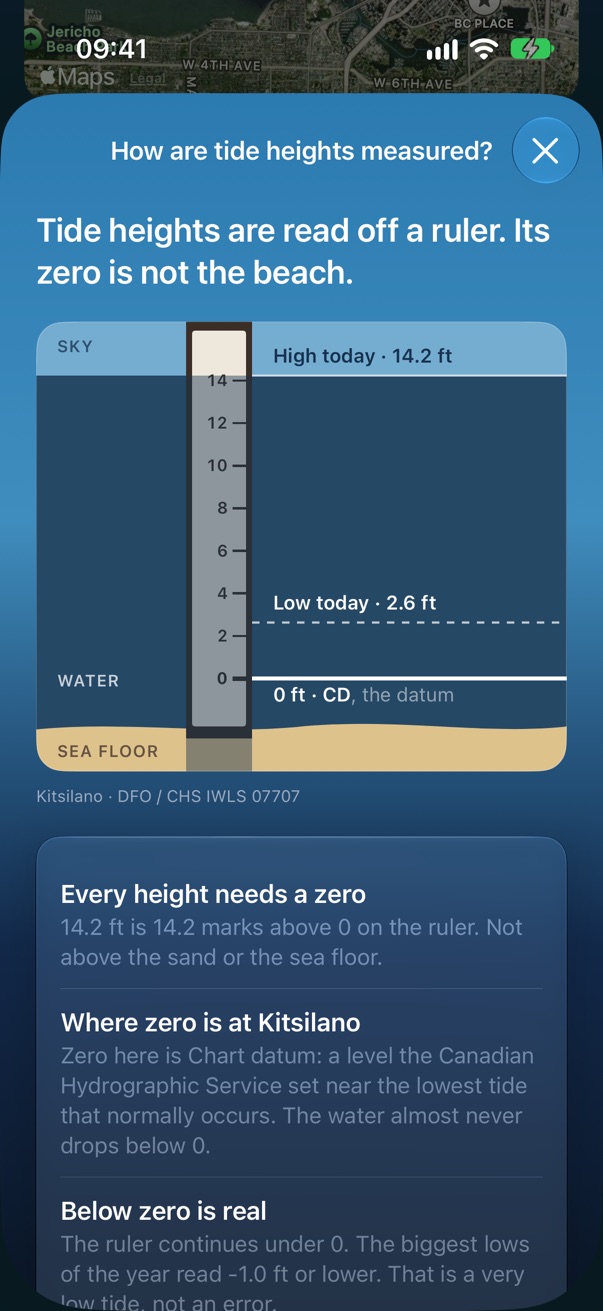
Location names the authority and station number; Accuracy rates the curve and says which zero the heights are measured from.
Sky preview
The Atmosphere card opens with a developer menu that swaps the sky for any weather. It's there on purpose during the beta.
A place
A saved beach or bay is its own favorite. Its name leads; the station it borrows from is named under it at any distance. Weather, sun, moon and buoys are the place's; the tide and its time zone are the station's.
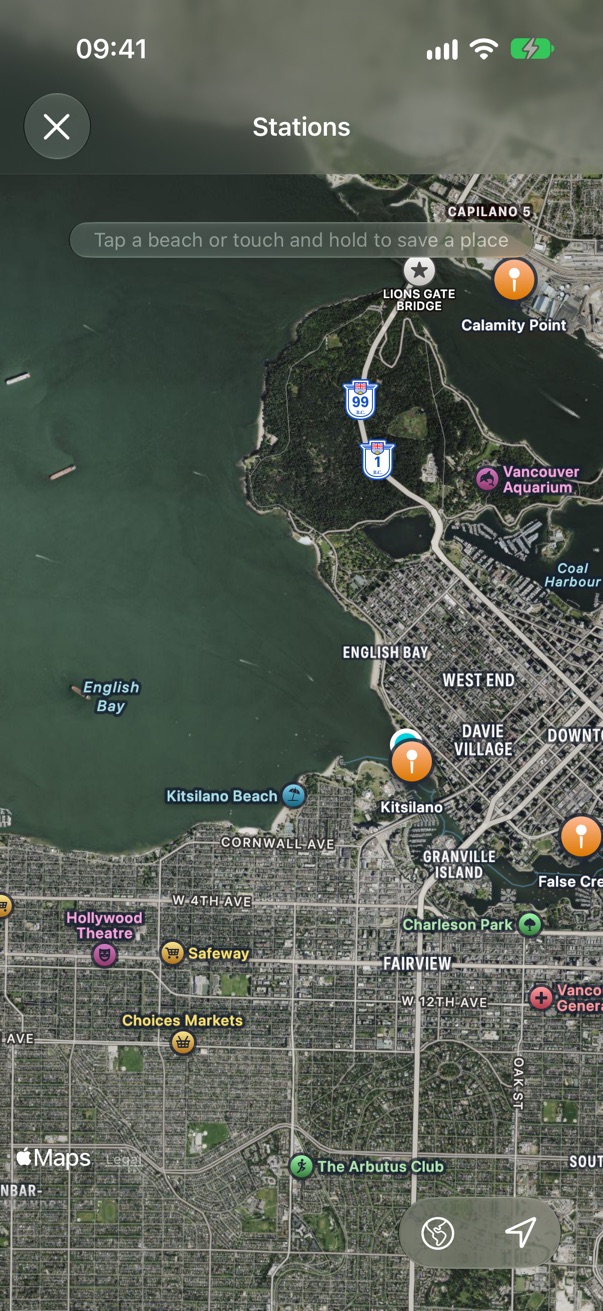
The map
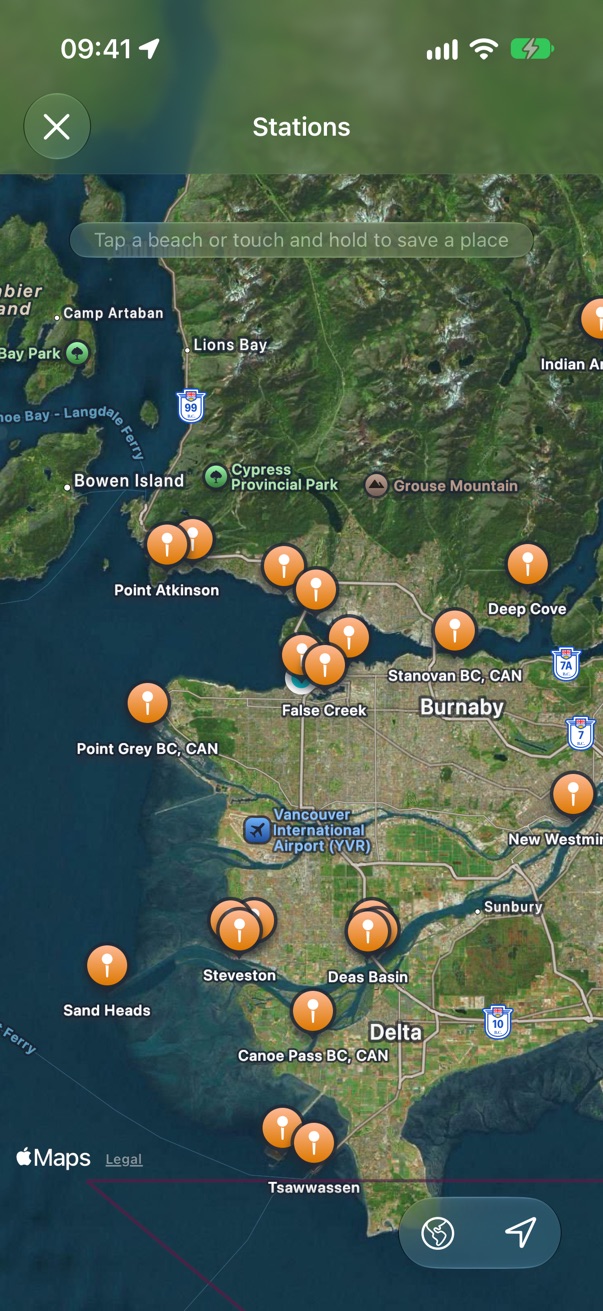
Stations draw once you zoom in. Tap one to preview it, tap a beach's label to save that beach, or touch and hold anywhere to save the spot, named for what's there.
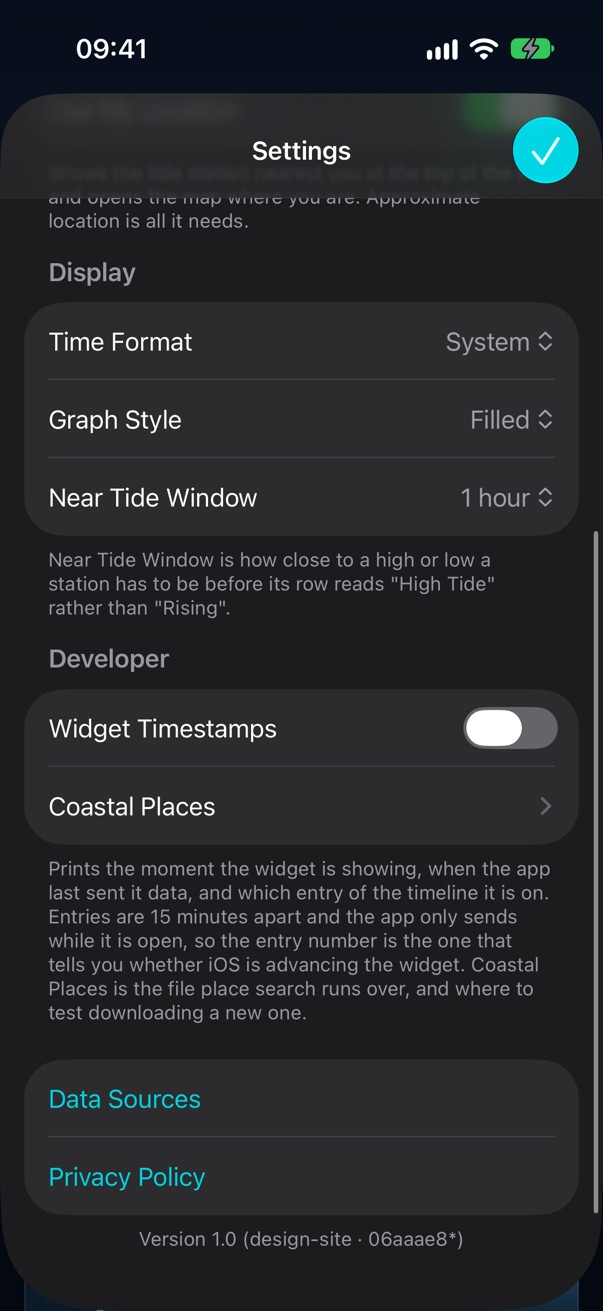
Settings
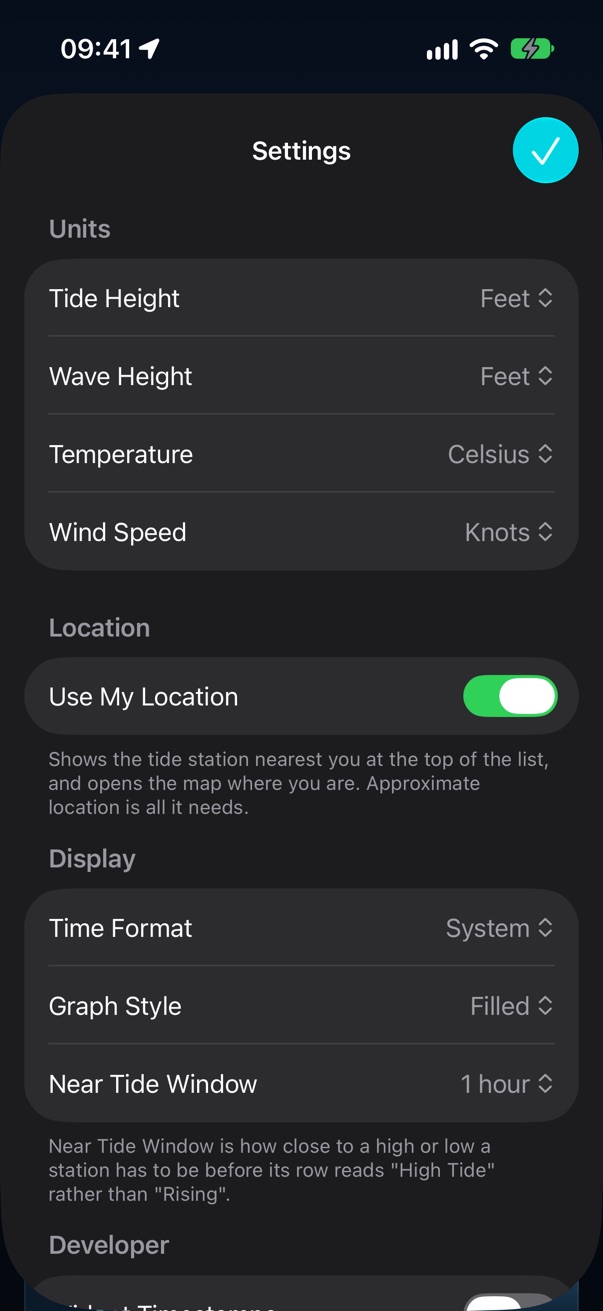
Units for tide height, waves, temperature and wind; location; 12 or 24 hour; how the graph looks; and how close to a turn counts as "High Tide". A setting exists only once something in the app reads it.
Not here yet
The widget (a simulator can't put one on a Home Screen for a script to photograph), iPad and Mac layouts, sharing, and iCloud sync.
Tideturn • Send Feedback • © 2026 Gerry Shaw